If you run an Amazon Delivery Service Partner, you will hear about "Netradyne violations" every day, and often in real time. This guide explains what the term means, the kinds of events that are flagged, how they relate to the scorecard, and a practical way to review and coach on them. Amazon sets the definitions, thresholds and weighting, and they can change, so treat Amazon's own current materials as the final word.
If you are new to the program, start with what an Amazon DSP is.
Key takeaways
- Netradyne is the in-vehicle camera and safety system used in the Amazon delivery program, and it flags driving events that match the behaviors it looks for.
- The exact list and names of events are Amazon's and can change.
- Safety is one of the main parts of the weekly scorecard, and flagged events feed into it.
- A repeatable review routine works better than reacting to a bad week.
- Don't treat every flagged event as the driver's fault without looking at the footage.
What is a Netradyne violation?
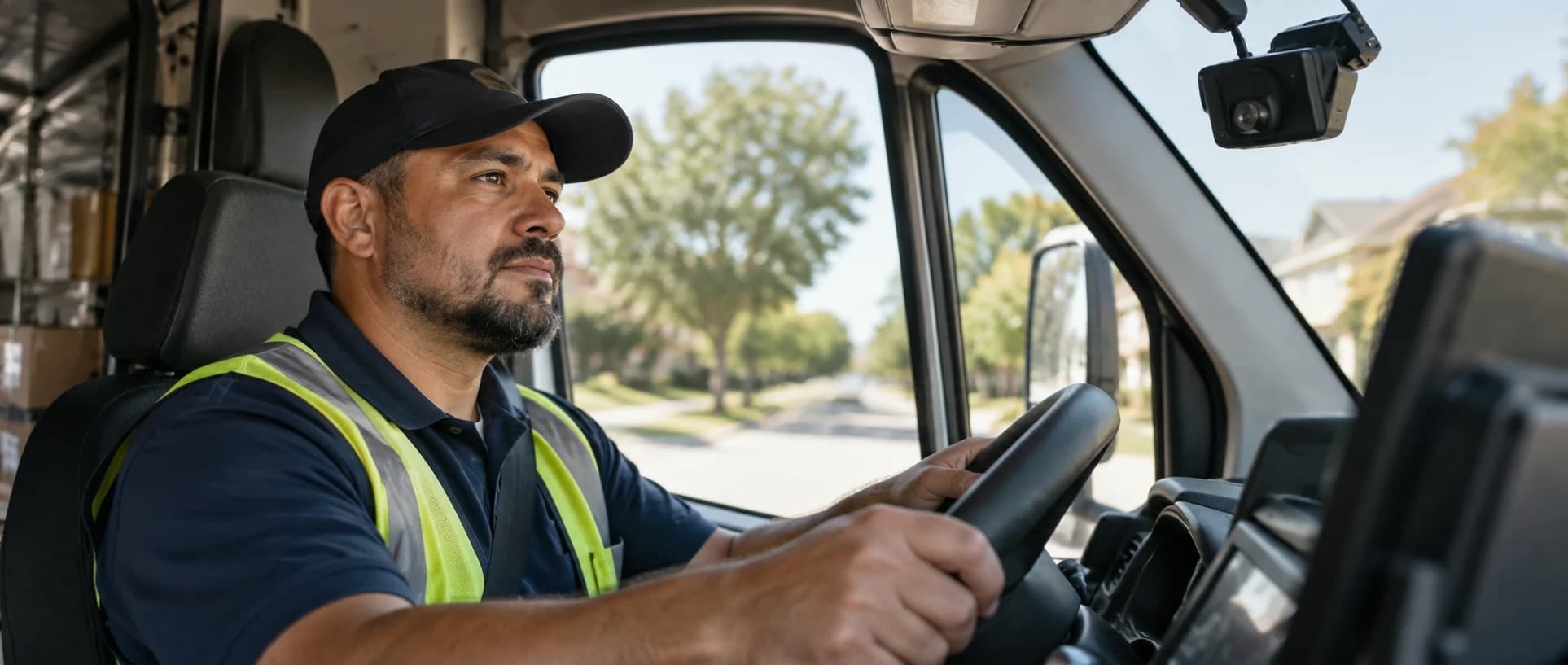
Netradyne is the in-vehicle camera and safety system used in the Amazon delivery program. It records driving events while a route is in progress. When an event matches one of the behaviors it is set to look for, it is flagged. In everyday DSP language, a flagged event is called a violation (or a "safety event" or "alert").
A flagged event is a prompt to look, not a verdict. It tells the owner or manager that something happened at a particular time on a particular route, and the footage and context decide what it means.
The kinds of events that get flagged
The exact list and the names used are Amazon's and can change. In general terms, the events fall into a few groups:
- Speed and following distance: driving over the limit, or too close to the vehicle ahead.
- Signs and signals: not stopping fully at a stop sign, or going through a traffic signal.
- Driver attention: signs the driver may be distracted, such as using a phone.
- Driver safety habits: seatbelt use and similar habits.
- Vehicle handling: harsh braking, sharp cornering or sudden acceleration.
- Camera condition: a view that is blocked or a device that is not working properly.
Some events are flagged because of what the driver did. Others reflect conditions the driver could not control, such as a vehicle cutting in suddenly, which is why each one should be looked at in context.
How violations connect to the scorecard
Safety is one of the main parts of the weekly DSP scorecard, and the events flagged by the in-vehicle system feed into it. A pattern of events across the team affects the partner's overall standing, while a pattern from one driver points to where coaching is needed.
The scorecard itself is wider than safety. It also looks at delivery quality, customer experience and reliability. Our guide to moving your scorecard from Great to Fantastic Plus walks through all of the categories.
A fair way to review violations
A repeatable routine does more than reacting to a bad week. A simple version:
- Review events in real time, every day, and before routes launch. Act on alerts as they come in where you can, review the previous day's events proactively before routes launch, and look at the most important ones first.
- Watch the footage and read the context. Decide whether the event was driver behavior, road conditions or something else.
- Separate one-off events from patterns. One event is a conversation. A repeated pattern is a coaching plan.
- Talk to the driver promptly. Coaching works best close to the event, and it works best as a conversation rather than a reprimand.
- Write down what was said and agreed. A short record shows what was reviewed and when.
- Follow up. Check whether the pattern changes over the following days.
Our article on using telematics data for driver coaching goes deeper on steps 2 to 6, and building a driver safety culture beyond monitoring covers why cameras alone do not change behavior.
Common mistakes
- Treating every flagged event as the driver's fault without looking at the footage.
- Coaching only when the weekly result drops.
- Keeping no record of conversations, so the same issue is raised again with no history.
- Focusing on the team average and missing the one or two drivers behind it.
- Making the process feel like surveillance instead of support.
LMDmax
How LMDmax helps you act on driver safety events
Reviewing events, coaching promptly and keeping a record of what was agreed takes a routine. Driver Management Support organizes safety signals from your camera-telematics system into one view, with weekly driver scorecards and coaching records, so your managers coach with evidence.
Frequently asked questions
What is a Netradyne violation?
An event that the in-vehicle camera system flags during a route, such as speeding, close following, a missed stop or signs of distraction. It is a prompt to review, not a final judgment.
Do Netradyne violations affect the DSP scorecard?
Yes. Safety events feed into the safety part of the weekly scorecard, which is one of several categories.
Can a flagged event be wrong or caused by something the driver could not control?
It can reflect road conditions as well as driver behavior, which is why each event should be reviewed with its footage and context. Check Amazon's current materials for the formal process.
How often should a DSP review violations?
Review events in real time where you can, every day, and proactively before routes launch, plus a weekly look at patterns. That combination catches issues while they are fresh and shows which ones repeat.
How should a DSP coach a driver on a violation?
Promptly, in a conversation, with the footage in front of both people, and with a written note of what was agreed.